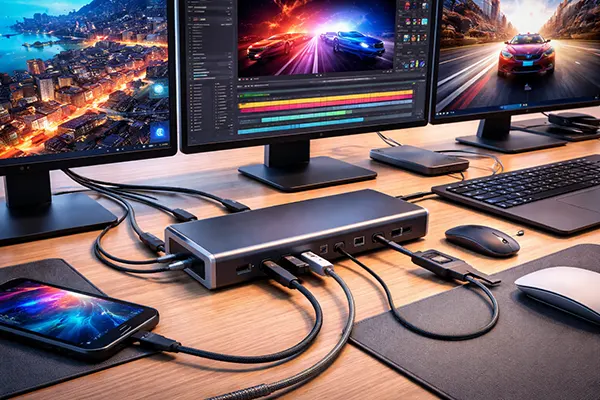
Thunderbolt 5 and USB4 v2 in 2026: Who Really Needs New Docking Stations
By 2026, connection standards such as Thunderbolt 5 and USB4 v2 have moved from early adoption into practical deployment, yet many users still question whether upgrading docking stations makes real sense. While manufacturers highlight impressive bandwidth figures and multi-display capabilities, the actual benefits depend heavily on how a workstation is used. This article breaks down where these new interfaces truly matter and where existing solutions remain more than sufficient.
What has actually changed with Thunderbolt 5 and USB4 v2
Thunderbolt 5 introduces a significant leap in theoretical bandwidth, reaching up to 80 Gbps bi-directional and up to 120 Gbps in asymmetric mode for display-heavy tasks. This allows support for multiple high-resolution displays, including dual 8K or triple 4K setups, alongside fast data transfer. USB4 v2 follows a similar direction, offering up to 80 Gbps, bringing USB closer to Thunderbolt in terms of performance and compatibility.
Another key shift lies in improved power delivery. Both standards support higher wattage levels, making it easier to power high-performance laptops through a single cable. In practice, this reduces cable clutter and enables more compact desk setups. However, the real-world benefit depends on whether the connected device can actually utilise that power and bandwidth.
Compatibility has also improved, particularly with USB4 v2 adopting many Thunderbolt characteristics. Devices that previously required strict ecosystem matching are now more flexible, though full feature support still depends on certification and implementation by manufacturers.
How these upgrades translate into real-world performance
For professionals working with large data sets, such as video editors or 3D artists, the higher bandwidth noticeably reduces transfer times when using external SSDs or RAID storage. Tasks that previously required minutes can now be completed in seconds, especially when paired with NVMe-based external drives.
Display performance is another area where improvements are tangible. Multi-monitor setups benefit from reduced compression and better colour accuracy when driven through a single dock. This is particularly relevant for creative workflows that rely on consistent visual output across several screens.
However, for standard office usage, including web browsing, document editing, and light multitasking, the difference is minimal. In such scenarios, even older Thunderbolt 3 or USB-C docks provide more than enough performance.
Who genuinely benefits from upgrading docking stations
The primary group that benefits includes professionals working with high-resolution media. Video production in 6K or 8K, complex CAD environments, and scientific computing all require fast data pipelines. In these cases, Thunderbolt 5 docks help eliminate bottlenecks between storage, GPU enclosures, and displays.
Another relevant group is users with advanced multi-display setups. If a workstation relies on multiple high-refresh-rate monitors or colour-critical displays, the new standards ensure stable output without compression artefacts. This is particularly noticeable when combining high resolution with high refresh rates.
Mobile workstation users also gain advantages. A single cable connection that delivers power, data, and display output simplifies docking in hybrid work environments. This becomes more valuable as laptops continue to replace traditional desktops in many professional roles.
Situations where older docks remain perfectly adequate
For general office environments, upgrading rarely provides measurable benefits. Email, spreadsheets, video calls, and cloud-based tools do not require high bandwidth. Existing USB-C or Thunderbolt 3 docks already handle these tasks efficiently.
Gamers using external displays may see some benefit, but only if they rely on external GPUs or very high refresh rates across multiple monitors. Otherwise, direct GPU connections typically outperform dock-based setups.
Cost is another factor. Thunderbolt 5 docking stations are still relatively expensive in 2026, and investing in one without a clear performance need often results in underutilised hardware.
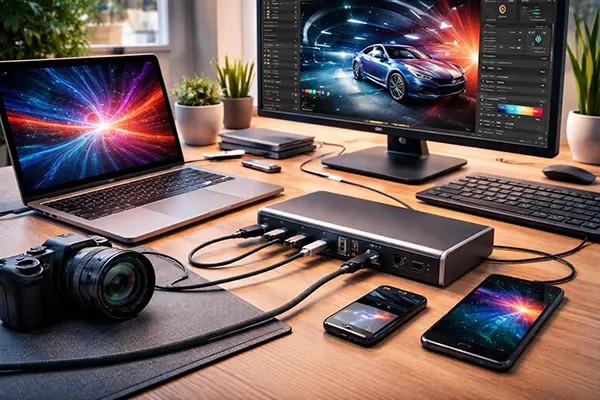
Practical considerations before upgrading in 2026
Before investing in a new dock, it is essential to verify device compatibility. Not all laptops support full Thunderbolt 5 or USB4 v2 functionality, even if they use the same connector. Bandwidth limitations may be imposed by the device itself rather than the dock.
Cable quality also plays a role. High-speed connections require certified cables capable of handling increased data rates. Using older or lower-quality cables can negate the advantages of the new standards, leading to inconsistent performance.
Future-proofing is often cited as a reason to upgrade, but it should be balanced against realistic usage patterns. Technology evolves quickly, and purchasing hardware based on hypothetical future needs rarely delivers proportional value.
When upgrading becomes a logical decision
Upgrading makes sense when current workflows are clearly limited by existing hardware. If file transfers are slowing down production, or if display configurations are constrained by bandwidth, a newer dock can directly improve efficiency.
It is also justified when investing in a new high-end laptop that already supports Thunderbolt 5. In such cases, pairing the device with an older dock can create a mismatch that prevents full utilisation of its capabilities.
For most users, however, the decision should be based on measurable needs rather than specifications alone. In 2026, Thunderbolt 5 and USB4 v2 represent meaningful progress, but their advantages are most visible in demanding professional environments rather than everyday computing.