AI-Calibrated Computer Monitors: A Genuine Innovation or a Passing Trend?
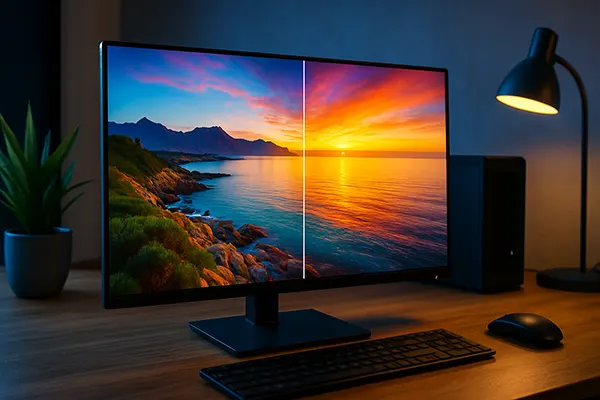
AI-based image calibration has rapidly moved from experimental software tools to an integrated feature in several monitor models released between 2023 and 2025. Manufacturers claim that automated colour tuning, adaptive brightness logic and dynamic contrast correction can improve visual accuracy for creative professionals and sharpen clarity for gamers. The real question is whether these systems deliver measurable value or simply add another marketing label to an already competitive market.
How AI-Driven Image Optimisation Works in Modern Monitors
AI-driven visual correction is typically powered by onboard processors trained on large datasets of colour profiles and usage scenarios. Instead of relying solely on manual settings, the monitor analyses content type, ambient light, panel characteristics and user preferences to fine-tune the output automatically. This reduces the amount of manual adjustment required, especially for users unfamiliar with calibration tools.
Manufacturers like Samsung, LG, Acer and Dell have introduced real-time tuning systems in several models since 2024. These systems continually monitor the displayed content and make micro-corrections to gamma, white balance and sharpness without visible delay. The technology aims to maintain consistency across software interfaces, web content, video playback and gaming environments.
Many AI systems are also linked to hardware sensors. Ambient light detection has existed for years, but AI allows more accurate predictions of how a change in surroundings will affect perceived colour. In some models, the system can even build long-term user behaviour profiles to adapt settings over time.
Limitations and Technical Constraints
Despite the promise, AI calibration remains dependent on panel quality. Entry-level IPS and VA panels cannot achieve the same precision as professional-grade displays, even with intelligent tuning. A model with limited colour gamut or inconsistent backlighting may not significantly benefit from automated adjustments.
Another challenge is transparency. Some monitor interfaces do not clearly document which settings are being modified by the system. Designers who require strict colour accuracy may feel uncomfortable relying entirely on a process they cannot fully control. As a result, professional monitors usually allow users to disable AI functions when manual calibration is preferred.
There is also the issue of over-processing. In fast-paced games or video editing tools with bright contrast transitions, aggressive AI sharpening can introduce haloing or noise. A well-implemented system needs carefully balanced algorithms to avoid degrading image fidelity.
Practical Value for Designers and Creative Specialists
For digital artists, photographers and video editors, accuracy is more important than automation. The latest tests conducted on 2024–2025 professional monitors show that AI-assisted tuning can reduce colour deviation (ΔE) by small but measurable margins, particularly in models pre-calibrated at the factory. This helps maintain reliable accuracy in everyday use without constant recalibration.
However, AI cannot fully replace hardware calibration tools such as colourimeters. External devices still provide the highest level of precision because they measure the panel’s true output rather than predicting it. For this reason, most creative professionals treat AI as a supportive feature rather than a core workflow tool.
Where AI does offer notable benefits is in dynamic work environments. Designers working on the move or in shared studio spaces often deal with changing lighting conditions. Automated colour compensation helps maintain consistency without interrupting the design process or requiring repeated manual adjustments.
Examples from Real-World Tests
Testing on models such as the LG UltraFine 32UQ890, Samsung Odyssey OLED G8 (2024 refresh) and Acer Predator X32 revealed clear differences in implementation quality. LG’s AI engine provides smooth white balance corrections, while Samsung’s system focuses more on contrast optimisation for HDR and gaming scenarios.
In controlled tests, AI calibration reduced colour drift after long working hours by adjusting brightness and white point automatically. HDR scenes also showed better tone mapping accuracy in televisions and high-end monitors equipped with advanced processors.
However, budget displays demonstrated minimal improvement because the limitation came from the panel itself. In those cases, the feature acted more like a convenient preset manager rather than a true calibration tool.
The Role of AI Calibration in Modern Gaming Displays
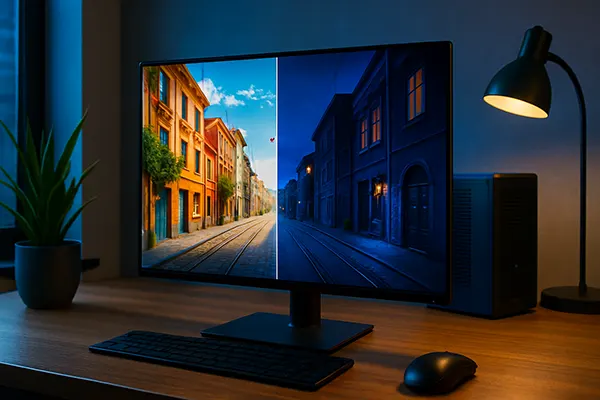
Gamers often prioritise higher refresh rates, clearer motion rendering and strong HDR performance. AI calibration can support these goals by analysing in-game lighting patterns, contrast zones and motion areas to reduce blur or compensate for dark scene visibility. Some 2025 gaming monitors include AI-based local dimming control, which helps reduce blooming and maintain stable brightness across complex scenes.
The technology is particularly effective in HDR titles. Tone-mapping algorithms enhanced with AI can better interpret the game engine’s metadata, resulting in more balanced highlights and improved shadow detail. This provides a more stable experience across different genres, from competitive shooters to visually detailed open-world games.
Yet AI tuning is not universally beneficial. In esports environments, players often disable image enhancement tools, preferring predictable output with no dynamic adjustments. For them, stability is more important than visual richness. Consequently, AI functions remain optional and are best suited for players looking for cinematic immersion rather than tournament precision.
Performance Testing in Real Games
Testing across games such as Cyberpunk 2077, Alan Wake 2, Counter-Strike 2 and Assassin’s Creed Mirage showed that AI brightness and contrast correction can improve visual clarity in dark scenes without raising black levels too aggressively. This was especially noticeable on OLED and Mini-LED panels.
In fast-moving esports titles, the benefit was modest. AI sharpening introduced slight haloing in some scenarios, and players generally achieved better results by combining manual settings with in-game brightness controls. The improvement depended heavily on the monitor’s processing speed and firmware quality.
Overall, AI visual optimisation is most valuable for immersive gaming and mixed-use environments. Competitive players still benefit more from stable, fixed profiles rather than dynamic adjustments.